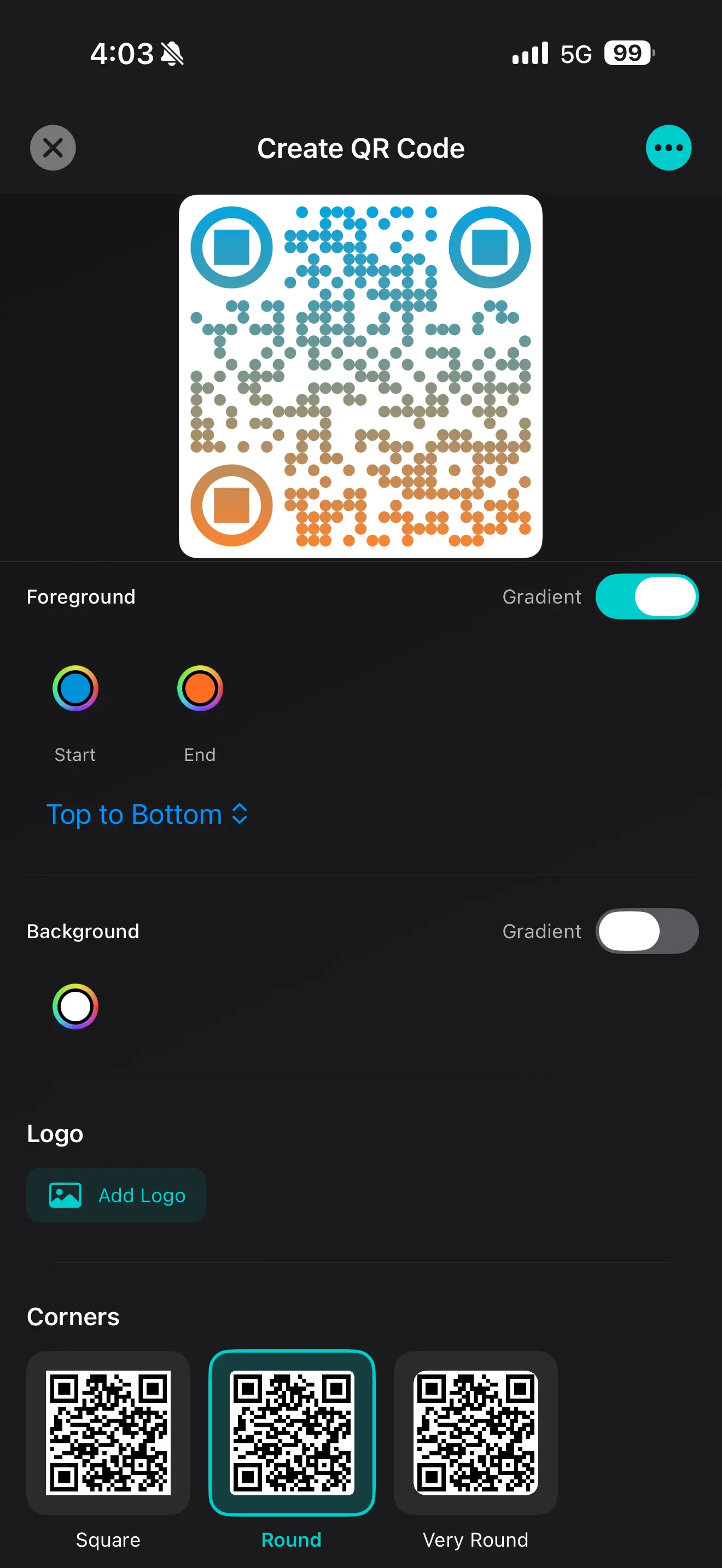
Branded QR Codes
Match your brand with custom colors, logos, and styles — no design skills needed. Create professional QR codes that stand out.
Generate, scan, and customize QR codes with analytics, widgets, and no clutter. Built for businesses and everyday use. Free QR code generator and barcode scanner app for iOS.
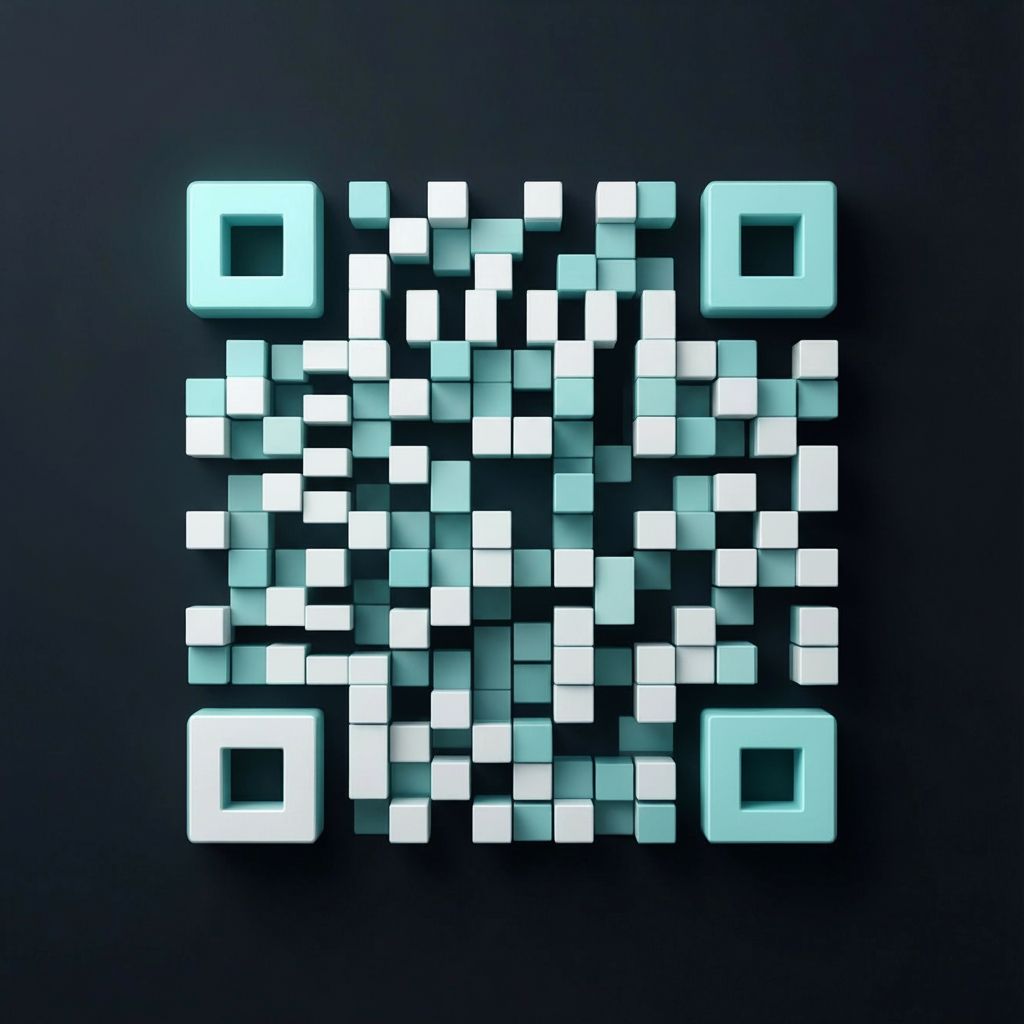

Match your brand with custom colors, logos, and styles — no design skills needed. Create professional QR codes that stand out.
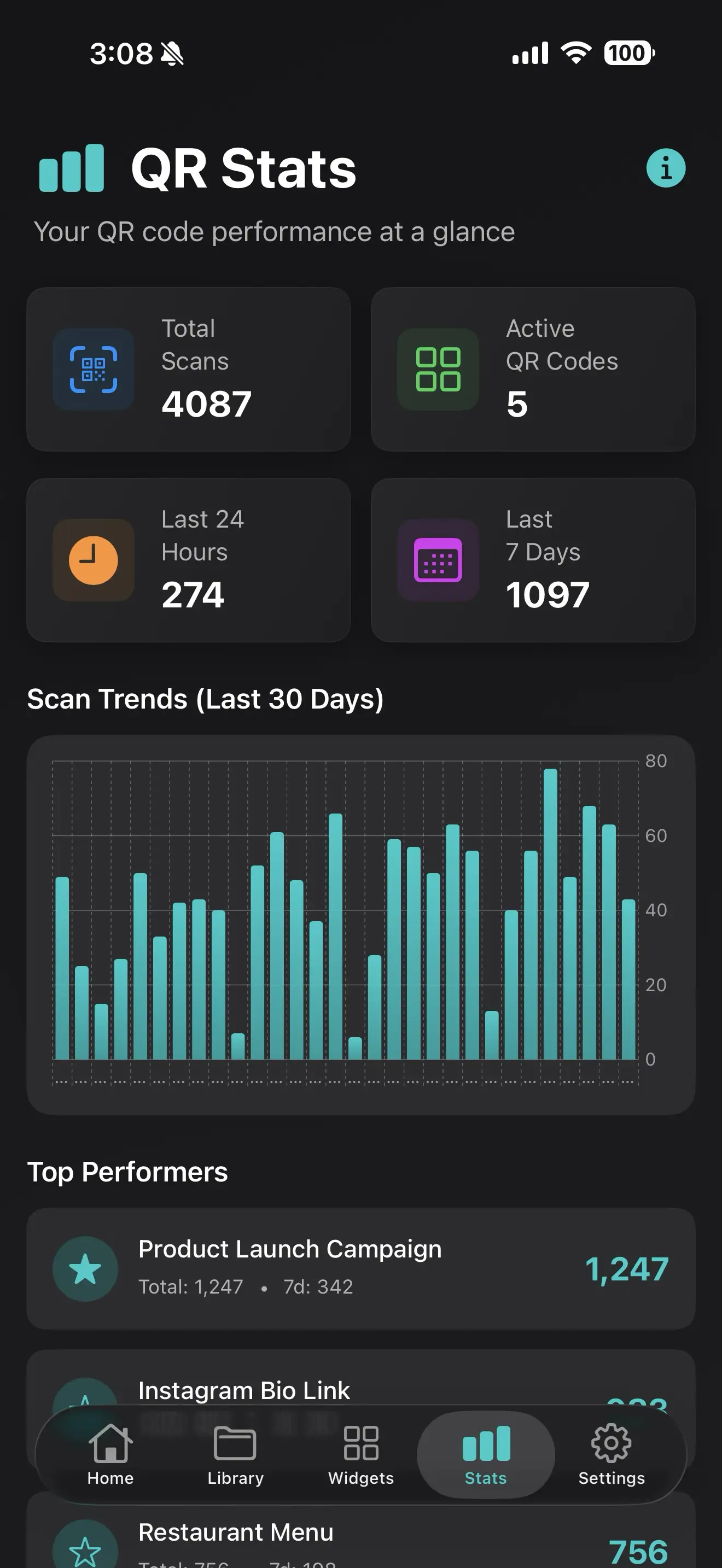
See how often your QR codes are scanned, where they're used, and when they perform best. Track QR code performance in real-time.
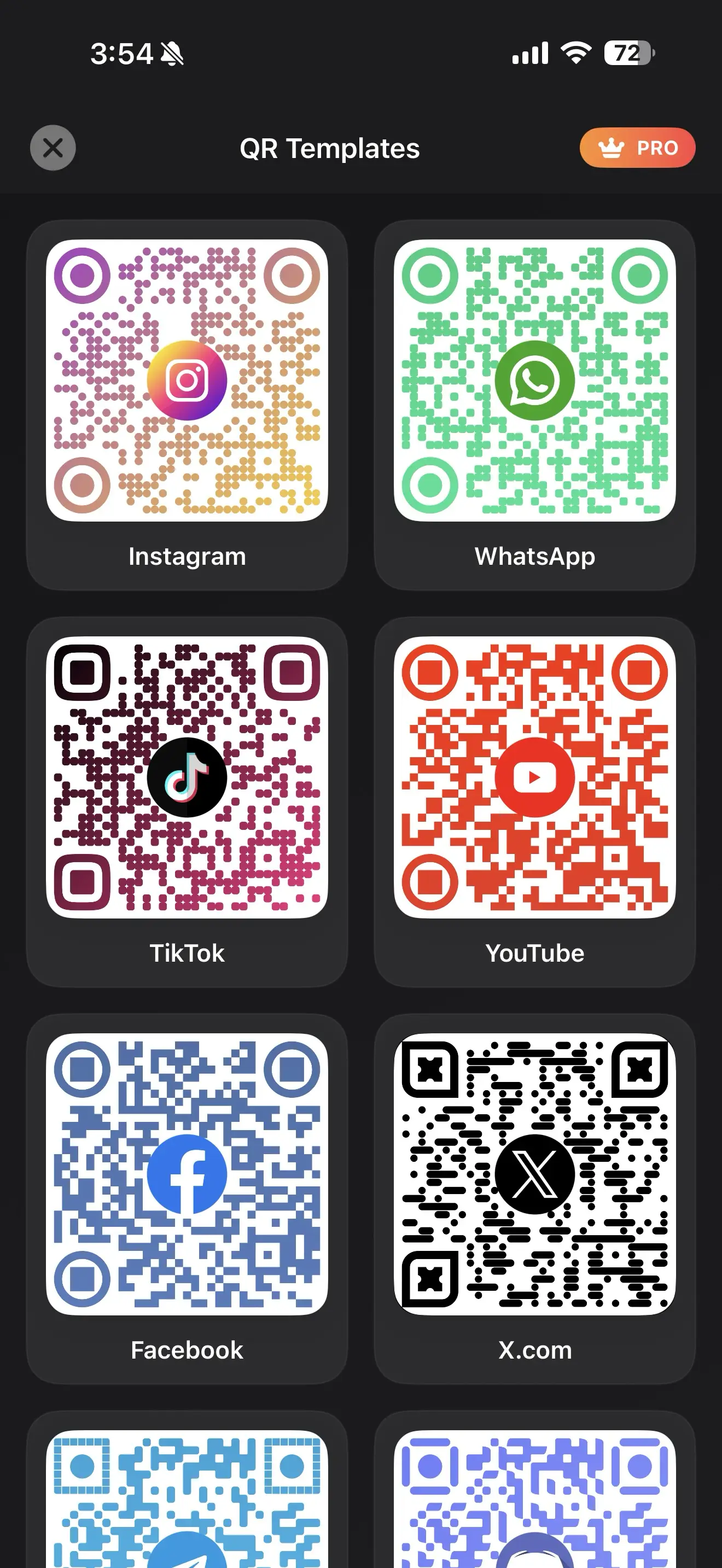
Create stunning QR codes in seconds with clean, modern templates. Choose from dozens of pre-designed QR code styles.
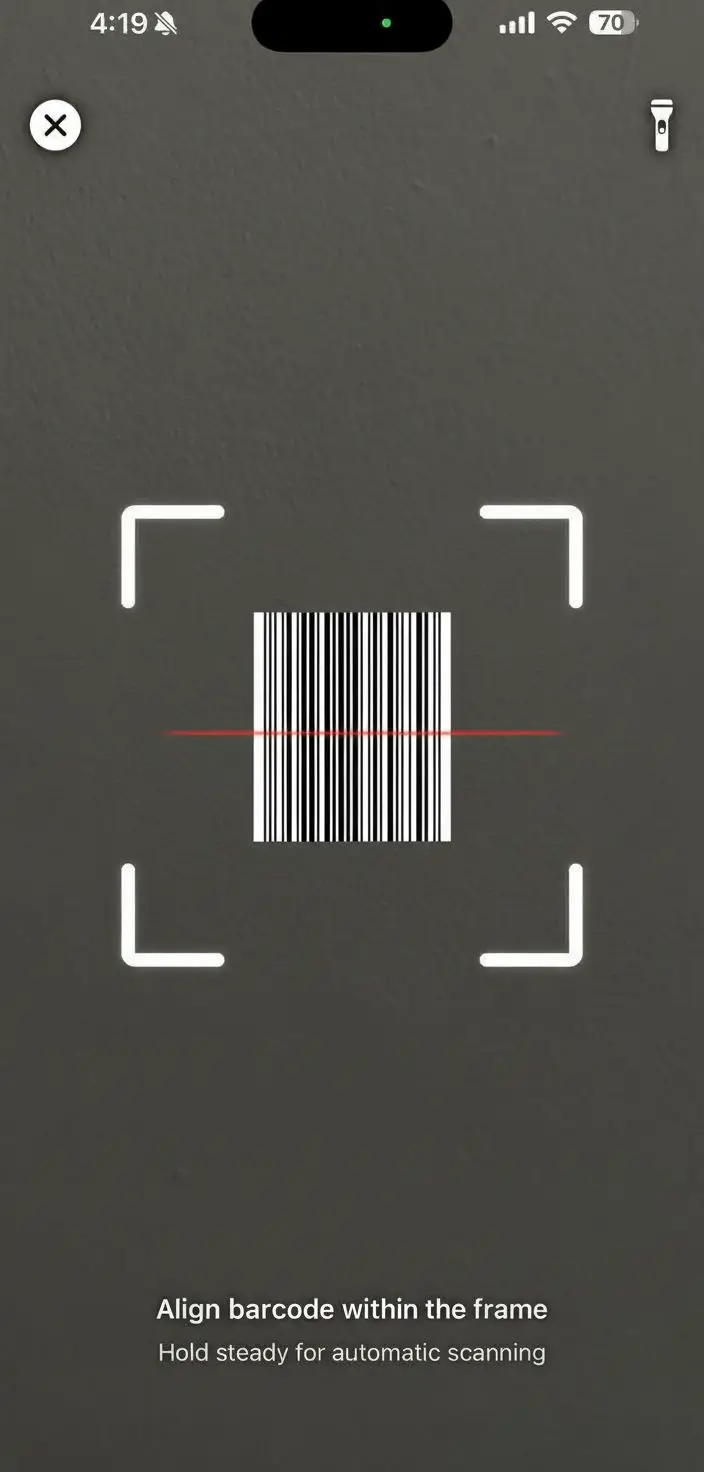
Scan QR codes and barcodes instantly using your camera or saved images. Lightning-fast scanning with accurate results.
Get PathQR from the App Store on your iOS device. Free download, no subscription required.
Generate new custom QR codes or scan existing QR codes and barcodes with your camera instantly.
Personalize your QR codes with colors, logos, and templates, then share them with others easily.
Enable analytics to monitor how your QR codes are being used, scanned, and performing over time.
Learn how to create, use, and optimize QR codes for your business with our expert guides.
Complete guide to creating professional QR codes that drive customer engagement and boost your business growth.
Read More →Discover proven strategies to maximize QR code effectiveness in your marketing campaigns and increase scan rates.
Read More →Innovative QR code ideas for marketing, events, education, and customer engagement that go beyond the basics.
Read More →Understand the differences between QR codes and barcodes to choose the right technology for your needs.
Read More →PathQR lets you create and scan QR codes for websites, Wi-Fi, social media, payments, events, menus, and more. It's designed for both personal use and businesses that want fast creation, clean design, and reliable scanning.
Yes. You can:
Free users may see ads, and some advanced features require a Pro subscription.
PathQR Pro unlocks everything:
Pro is ideal if you use QR codes regularly or for business.
Absolutely. With Pro, you can fully customize your QR codes — including colors, gradients, corners, logos, and templates — while keeping them fully scannable.
No. Your privacy matters.
You stay in control of your content.
They stay active until you delete them from the PathQR app.
Yes. PathQR is safe for:
Many users rely on PathQR for professional and commercial use.
PathQR supports:
Support continues to expand with updates.
Yes. PathQR can scan QR codes and barcodes directly from images, not just live camera scans.
No account required. You can start creating and scanning QR codes immediately — no sign-ups, no friction.
Available now on the App Store. Start creating and scanning QR codes in minutes. Free download for iOS devices.
